Notes
This is the section of the site where longer-form writing appears. The reference pages elsewhere on the site are organized around specific topics - a subscription page covers subscriptions, a benchmark hub covers benchmarks - and their purpose is to answer a defined question as directly as possible. Notes are different. They exist for writing that requires more than a direct answer: analysis, perspective, the kind of context-setting that is useful to someone trying to understand not just what something is but why it matters and how it connects to everything else. I have been working with Linux audio systems for a long time, and some of what I have learned does not fit neatly into a reference page. This section is where that material goes.
Topics span audio quality, latency, benchmarking methodology, the Linux audio developer community, and library resources. The common thread is depth - when a topic has something more to say than a reference page can contain.
All Notes
FireWire Audio in 2026: FFADO Status, PipeWire Integration, and Who It Still Makes Sense For
FireWire audio on Linux is not dead but it is niche. Here is the real status of FFADO in 2026, how PipeWire handles FireWire devices, and who should still consider using them.
Resampler Quality and CPU Cost on PipeWire 1.6: What Changed Since 1.4 and How To Pick Settings (2026)
PipeWire 1.6 changed its resampler defaults and added new quality tiers. Here is what actually changed in measured quality and CPU cost, and how to pick the right setting without guessing.
PipeWire Quantum vs XRun Threshold: The 2026 Dataset (Published Methods, Published Raw Numbers)
Quantum vs XRun data for PipeWire in 2026. Five hardware configurations, four quantum values each, all methods published. Use the numbers to calibrate your own setup.
Round Trip Latency Leaderboard 2026: USB Audio Interfaces Tested on Linux With a Reproducible Method
USB audio interface latency varies enormously on Linux. Here is a 2026 leaderboard of measured round-trip latency for common interfaces, with the exact test method documented so you can verify the numbers.
MIDI 2.0 on Linux 2026: PipeWire UMP, Kernel Support Reality, and Safe Fallbacks for Controllers and DAWs
MIDI 2.0 on Linux is partially here. PipeWire has UMP transport, the kernel has ALSA UMP, but DAW and controller support lags behind. Here is what works today and what fallbacks to keep in place.
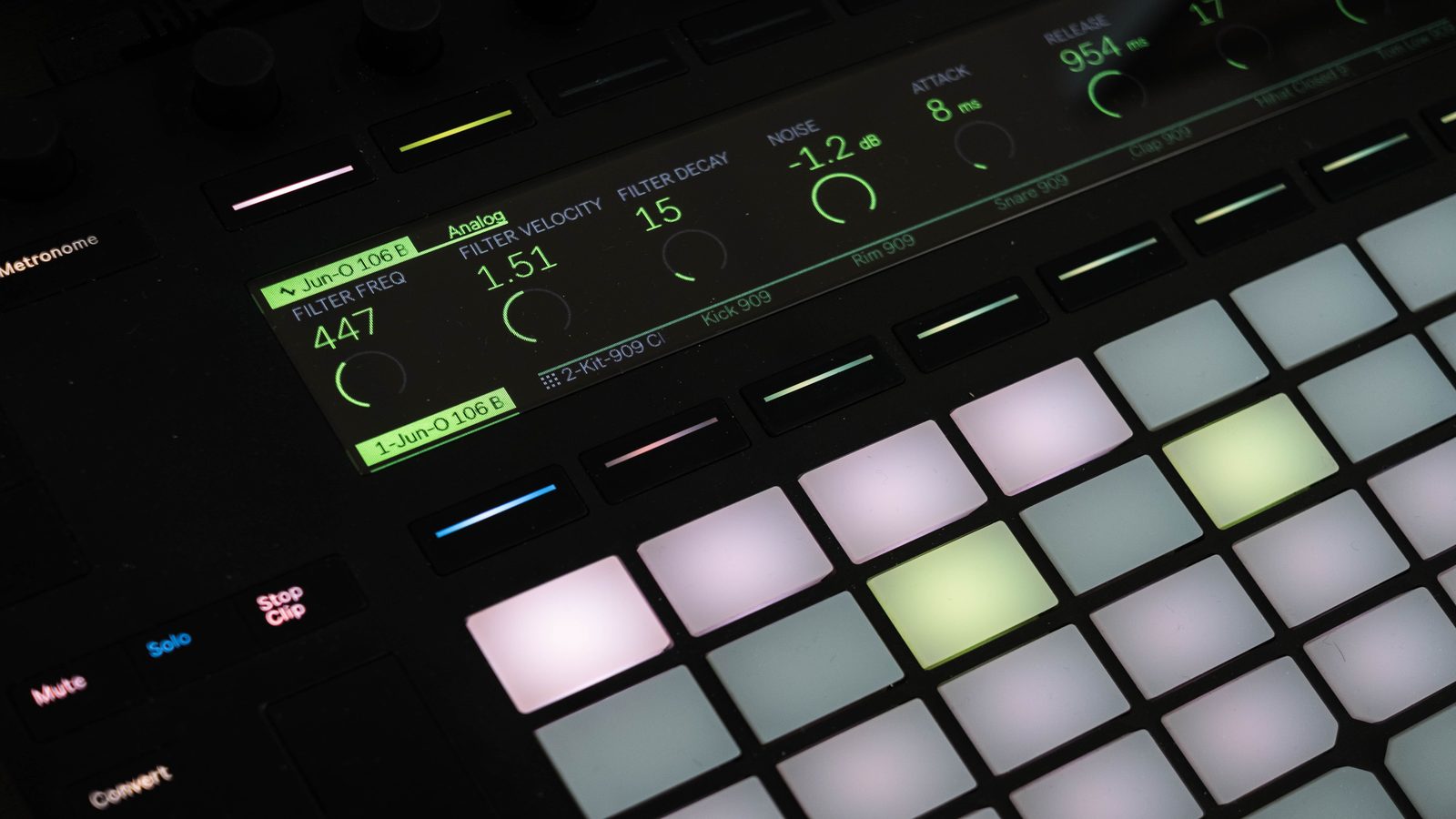
REAPER on PipeWire in 2026: Low Latency Setup and What To Do When XRuns Hit Mid Session
REAPER on Linux runs well when configured properly. Here is how to set it up on PipeWire for low latency recording, and what to do when XRuns appear mid session without losing takes.
Bitwig Studio 6 on Linux: Performance, Audio Routing, and a Sane PipeWire Workflow (2026)
Bitwig Studio 6 is one of the few commercial DAWs with real Linux support. Here is how to configure it for stable performance on PipeWire and avoid the routing and latency traps.
Ardour 9.0 on Linux in 2026: What Is New, What Matters in Real Projects, and a Stable Low Latency Configuration
Ardour 9.0 has real improvements that matter for production work on Linux. Here is what changed, how to configure it for stable low latency, and what to watch for in large sessions.
DJ Monitoring on Linux: Split Output, Headphone Cueing, and Avoiding Resampling Traps in PipeWire (2026)
Split output DJ monitoring on Linux requires getting PipeWire routing right and avoiding hidden resampling. Here is how to set up headphone cueing with a clean signal path in 2026.
Controller Mapping Clinic 2026: Building a Reliable Mixxx Mapping That Survives Updates and Gig Stress Tests
Mixxx controller mappings break on updates and fail under pressure. Here is how to build one that survives both, using the 2026 mapping architecture and tested gig-proof patterns.
Digital Vinyl System on Linux 2026: Mixxx 2.5 DVS Setup With PipeWire, Calibration, and Latency Notes
DVS on Linux is real and usable in 2026. Here is how to set up Mixxx 2.5 with timecode vinyl, calibrate it properly through PipeWire, and keep latency low enough to actually scratch.

Mixxx 2.5.6 on Linux: The Practical Upgrade Guide (Controllers, Effects, Stability, and What Changed)
Mixxx 2.5.6 landed with controller mapping changes, new effects, and better PipeWire integration. Here is what to check before upgrading, what broke, and what finally works properly.
PipeWire JACK vs Native JACK in 2026: A Clear Decision Table for Recording, Live FX Chains, and DJ Sets
PipeWire's JACK layer or native JACK2 - which one should you use in 2026? A decision table based on your actual workflow: recording, live effects chains, or DJ sets.
Low Latency Audio Checklist for 2026: CPU Governor, IRQ Behaviour, USB Power, and Small Buffer Reality Checks
Everything you need to verify before trusting small buffers on Linux in 2026. CPU governor, IRQ affinity, USB power management, and the buffer sizes that actually work on real hardware.
Linux 6.12 and PREEMPT_RT in 2026: What Changed for Audio Workloads and What Still Needs Tuning
PREEMPT_RT is finally mainline in Linux 6.12. Here is what actually changed for audio workloads, what improved without configuration, and what still needs manual tuning for reliable low latency.
Ubuntu Studio 26.04 LTS Pro Audio Setup: New Audio Configuration Tool, PipeWire Buffers, and Low Latency Boot Tweaks
Ubuntu Studio 26.04 LTS ships with a reworked audio configuration tool and PipeWire as the default. Here is how to set it up for serious low latency audio production from a fresh install.
pw-top Walkthrough: Diagnosing XRuns, CPU Spikes, and Bad Nodes in Live Sessions (2026 Edition)
pw-top tells you exactly what is happening inside PipeWire's processing graph. Here is how to read it, what the columns mean, and how to find the node that is causing your XRuns.
PipeWire Real Time Scheduling in 2026: RTKit, Portal Realtime, and rlimits for Musicians Who Just Want Low Latency
Three ways PipeWire gets real-time scheduling on Linux. RTKit, portal realtime, and traditional rlimits - which one your system is actually using and whether it is enough for serious audio work.
WirePlumber Pro Audio Profile Explained: What It Changes, When It Helps, and When It Makes Things Worse (2026)
The WirePlumber pro-audio profile is not a magic switch. This is what it actually changes in PipeWire session management, when it helps, and when it makes audio routing worse.
PipeWire Quantum in 2026: Choosing 64, 128, 256, or 512 Without XRuns (A Repeatable Test Method)
Stop guessing your PipeWire quantum. Here is a repeatable test method for finding the lowest stable buffer size on your specific hardware, measured under real audio workloads.